
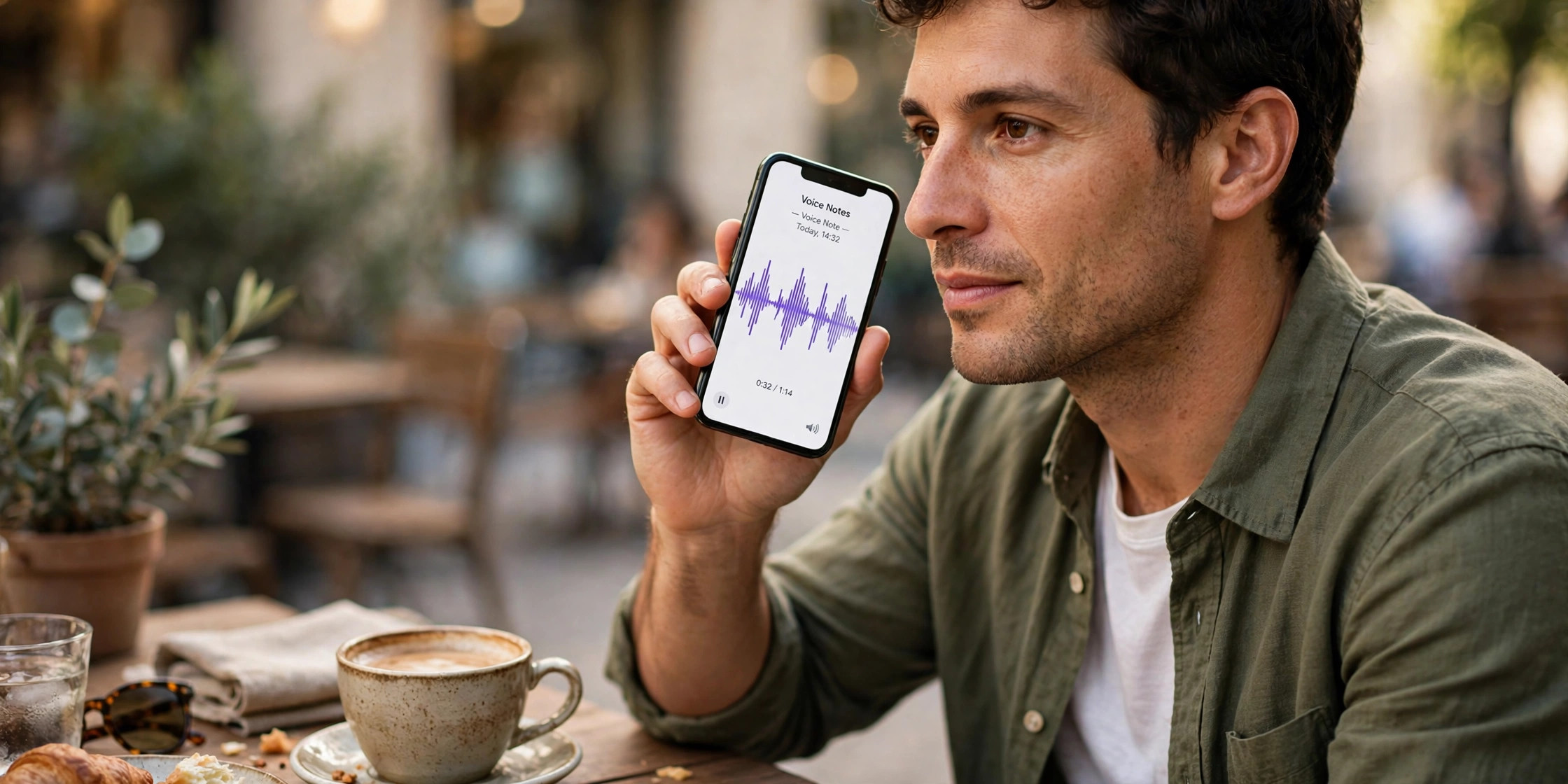
WhatsApp voice notes are convenient to send and miserable to search. You cannot skim them, quote them, or find the one detail from three weeks ago. Here is how to turn them into text — with WhatsApp’s own tool, and with a proper transcription app when that is not enough.
Voice notes pile up fast: directions from a friend, a client briefing, a family update, an idea you recorded at midnight. The audio is all there, but it is locked inside a player. Turning it into text makes it searchable, quotable, and actually useful later. These are the three methods that work, in order of how much effort they take.
It is the companion to our complete guide to voice notes and transcription, and it pairs with our guide to transcribing voice memos on iPhone — the same ideas apply, with WhatsApp-specific steps.
Method 1: Use WhatsApp’s built-in transcription
WhatsApp now offers voice message transcripts on both iPhone and Android. It is the fastest option when it is available to you — no other app, no exporting, no uploading.
On iPhone: open WhatsApp, go to Settings, then Chats, and switch on Voice Message Transcripts. Pick your language. After that, long-press any voice message and tap Transcribe.
On Android: open WhatsApp, go to Settings, then Chats, and switch on Voice Message Transcripts. Choose your language, then long-press a voice message and tap Transcribe.
A few honest limits. Transcription is only available for supported languages, and only on recent versions of WhatsApp — if you do not see the option, update the app first. The transcript appears under the message, and the transcript is generated on your device, so it never leaves your phone. But it is a plain transcript: no summary, no action items, no way to search across all your voice notes at once. For one message at a time, it is enough. For a pile of them, it is not.
Method 2: Share the voice note to a transcription app
When you want more than a plain transcript — a summary, the action items, or text you can search later — share the audio to a transcription app instead.
1. Long-press the voice message in WhatsApp and tap Share (iPhone) or Forward (Android). Choose your transcription app from the share sheet. The audio file goes straight across — no recording, no quality loss.
2. Let the app transcribe it. In Aura Notes, the transcript appears with a summary and any action items pulled out of the recording, and the note is searchable by its own words afterwards.
3. Save it where you will find it again. Give the note a title that matches what it actually contains — “plumber quote”, “Mum’s birthday plan”, “client feedback March” — not “Voice note 47”. Search works, but a good title works faster.
This is the method to use for voice notes that matter: work briefings, anything with dates or numbers, and any message you expect to need again. The extra thirty seconds buys you a note you can actually use.
Method 3: Play it aloud and record it
Sometimes exporting is not an option — a voice note in a group you cannot forward from, or a phone that will not share the file. The fallback is old-fashioned and it works: play the voice note on one device and record it on another.
Put the phone playing the message on a table in a quiet room, start a recording on a second phone or laptop, and play the note at normal speed. Then transcribe that recording in your usual app. The transcript will be slightly less accurate than a direct file transfer, because the audio passes through a speaker and a microphone, so keep the room quiet and the volume moderate.
It is a workaround, not a workflow. If you find yourself doing it more than once a week, Method 2 is worth setting up properly.
Which method should you use?
- One quick message, right now: Method 1, WhatsApp’s built-in transcription. Fastest, nothing to install.
- Something you will need again: Method 2, share it to a transcription app. Searchable text, a summary, and action items are worth the extra tap.
- Export is blocked: Method 3, play and record. Ugly, reliable, and better than losing the information.

Common mistakes
Trusting the transcript without checking it. A transcript is a draft, not the record. Names, numbers, and dates are the parts transcription gets wrong most often, and they are the parts that matter most. Check them against the audio before you quote them or act on them.
Transcribing everything and filing nothing. A transcript you cannot find is barely better than audio you cannot search. Title the note, or it joins the pile it was supposed to rescue you from.
Recording in a noisy room and blaming the app. Overlapping voices, background music, and wind noise are the biggest causes of bad transcripts. If the audio is bad, no transcription method will save it — re-record it cleanly if you can.
Forgetting to ask before you transcribe someone else. A voice note sent to you is yours to read. A conversation you recorded without telling the other person is a different matter, and in many places it breaks the law. Ask first, every time.
Frequently asked questions
Can WhatsApp transcribe voice messages by itself?
Yes. WhatsApp offers voice message transcripts on iPhone and Android: switch them on in Settings, then Chats, then Voice Message Transcripts, and long-press any voice message to transcribe it. It only works for supported languages and recent app versions, and it gives you a plain transcript with no summary or search across messages.
How do I transcribe a long WhatsApp voice note?
For long voice notes, share the audio to a transcription app rather than using WhatsApp’s built-in transcript: long-press the message, share it to an app like Aura Notes, and you get a full transcript plus a summary you can search later. WhatsApp’s own transcript works, but for a five-minute message you usually want the summary and the ability to find it again.
Is WhatsApp voice transcription free?
Yes. WhatsApp’s built-in transcription is free and runs on your device, so the audio never leaves your phone. Third-party transcription apps may charge for transcription, summaries, or storage, depending on the app — check what the free tier covers before you rely on it for daily use.
Why can’t I see the transcribe option in WhatsApp?
The usual reasons are an outdated app, an unsupported language, or the feature not being switched on. Update WhatsApp to the latest version, check Settings, then Chats, then Voice Message Transcripts is enabled, and confirm your language is supported. If it still does not appear, share the voice note to a transcription app instead — that method works regardless.