
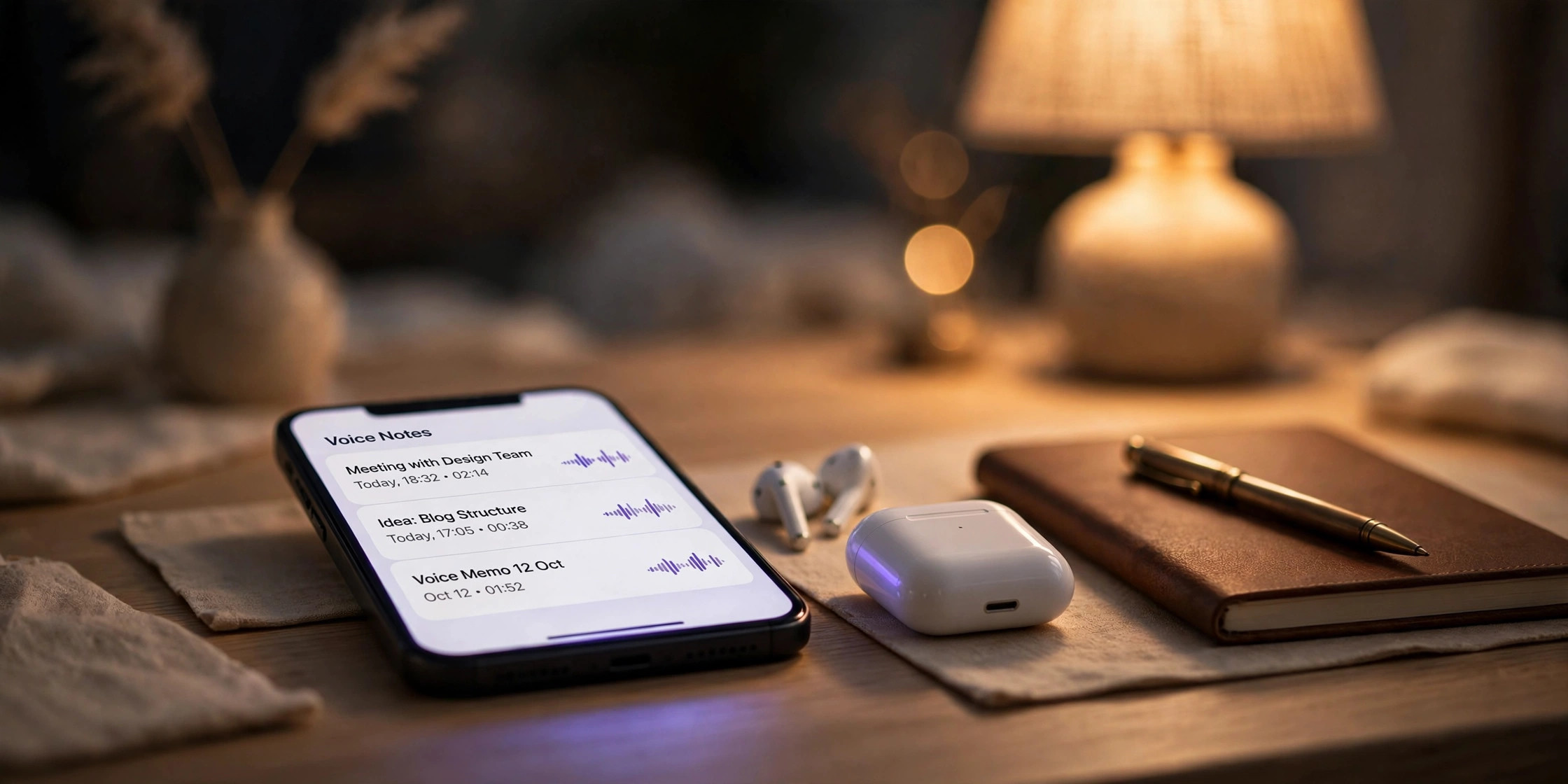
Recording a voice note takes two seconds. Finding it again three weeks later can take twenty minutes — if you find it at all. The problem is never recording. It is retrieval, and retrieval is a system problem with a simple fix.
Open any heavy voice-note user’s phone and you will find the same archaeology: hundreds of recordings named “New Recording 47”, sorted by nothing, searchable by nothing. Every one of them felt worth saving in the moment. Almost none of them will ever be heard again — not because they weren’t valuable, but because an unnamed, untranscribed audio file is effectively invisible.
This guide gives you the organising system that fixes that: name at capture, transcribe everything you keep, file with few folders and many tags, and clear the inbox weekly. It builds on our complete guide to voice notes and transcription — that guide covers capturing and converting speech to text; this one covers never losing what you captured.
Why voice notes get lost
Three reasons, and none of them is carelessness.
The name describes nothing. “Recording 2026-03-14 09.41” tells you when, and nothing else. Future-you, searching at speed, cannot tell the idea that matters from the parking reminder that doesn’t.
Audio cannot be searched. A text note containing the word “budget” is findable forever. A voice note about the budget is findable only by someone who already remembers it exists. Until a recording is transcribed, it is outside every search you will ever run.
Nothing gets processed. Text notes get edited, filed and deleted as a by-product of being read. Audio just accumulates. Without a review habit, the library grows until opening it feels like a chore — and then it grows faster, because nothing in it can be trusted to be findable anyway.
Each step below kills one of these causes.
Step 1: Rename at capture — the ten-second rule
The best time to name a recording is the ten seconds after you stop it, while you still know exactly what it is. Not later. Later is where voice notes go to die.
Use a three-part name: topic – detail – action. The topic makes it findable, the detail makes it recognisable in a list, and the action tells future-you why it exists.
| Default name | Renamed |
|---|---|
| New Recording 112 | Website redesign – homepage headline idea – draft it |
| Recording 2026-09-02 | Client call – delivery date moved – email Sam |
| Voice Memo 38 | Book idea – chapter on habits – outline later |
| New Recording 113 | Gift – mum’s birthday suggestions – buy by Friday |
If renaming feels like friction, shorten the formula rather than skipping it: topic plus one word beats a perfect name you never give. And if your app transcribes automatically, the first line of the transcript can serve as the name — which is one more reason transcription, Step 2, does the heavy lifting in this system.
Step 2: Transcribe everything you keep
Transcription is not a convenience feature in this system; it is the filing system. The moment a recording has text, it becomes searchable, skimmable, copyable and quotable. You stop “listening back” to find things and start finding them the way you find everything else on your phone: by typing a word you remember.
Be selective about effort, not about coverage. Short notes transcribe in seconds with built-in tools — our tested walkthrough of how to transcribe a voice memo on iPhone covers the free options. Long recordings — meetings, lectures, interviews — deserve a proper AI pass that gives you a summary and action points alongside the transcript, because you will read the summary ten times for every once you read the full text.
This is the workflow Aura Notes is built for: record, and the transcript, summary and key points are simply there, making the note findable from that moment on. Whichever tools you choose, the rule stands: a voice note you intend to keep is not organised until it exists as text.

Step 3: Few folders, many tags
The instinct is to build a beautiful folder tree. Resist it. Deep folder structures fail for voice notes because one recording rarely belongs in exactly one place, and every filing decision you hesitate over is a note that ends up unfiled.
Use four or five broad folders at most — buckets, not a taxonomy:
- Work — meetings, calls, project thinking
- Ideas — the shower thoughts and 2am inspirations
- Personal — lists, reminders, family logistics
- Learn — lectures, podcasts notes, language practice
- Inbox — the default landing folder for everything new (see Step 4)
Then let tags do the precise work. A recording lives in one folder but can carry several tags — a project name, a person, a status like “action needed”. Folders answer “what kind of thing is this?”; tags answer “what is it about, and what do I owe it?” Search plus tags will beat a twelve-folder tree every single time.
Step 4: The weekly ten-minute review
Every note lands in the Inbox folder first. Once a week — ten minutes, same time, ideally attached to an existing routine — you empty it:
- Read the transcript or summary, never the full audio. This is why Step 2 exists.
- Extract the action into your task list or calendar. A voice note is a terrible place to store a to-do; it will not remind you of anything.
- Rename, tag and file what survives — with the context of the week behind you, this now takes seconds per note.
- Delete ruthlessly. The reminder that already happened, the idea you’ve had four times, the rant that did its job by being spoken. Deletion is organisation too.
Miss a week and the inbox holds twenty notes instead of five — annoying, not fatal. Miss a month and you have a backlog you will never clear, which is how the graveyard in your recordings app was built. The review is the system; everything else is preparation for it.
Step 5: Star the five per cent
In any large voice-note library, a tiny fraction of recordings hold most of the value: the idea that became a project, the meeting where the decision was actually made, the message from someone you love. Mark them — star, favourite, pin, whatever your app offers — the moment the weekly review shows you one.
This creates a two-tier library: a small, trusted shelf you can browse with pleasure, and a large archive you only ever enter via search. That division is what “organised” actually feels like from the inside. Not everything in its place — everything findable, and the best of it one tap away.
Frequently asked questions
How many folders do I actually need for voice notes?
Four or five broad buckets — Work, Ideas, Personal, Learn, plus an Inbox for new recordings — cover almost everyone. If you find yourself debating which folder a note belongs in, your folders are too specific; merge them and let tags and search carry the detail. The test of a folder system is filing speed: if it takes more than two seconds to decide, simplify it.
Should I delete old voice notes?
Yes — most of them, eventually. Delete anything whose action is done, whose moment has passed, or whose transcript tells you the recording itself has no further value. Keep recordings where the audio itself matters: voices of people, tone of an important conversation, evidence of an agreement. A good rule: keep the transcript of everything, the audio of the minority.
Are transcripts enough, or do I still need folders and tags?
Transcripts make notes searchable, which solves the worst problem, but search only helps when you remember a distinctive word from the note. Folders and tags cover the other kind of finding — browsing when you know roughly what something was about but not its wording. You need both: transcripts for precision, light structure for orientation.
How do I find a voice note if I forgot to name or file it?
If it was transcribed, search for any word you remember saying — a name, a place, a number. If it wasn’t, fall back on time: recordings sit in date order, so reconstruct when you made it from your calendar or messages and scan that day’s files. Then transcribe and rename it on the spot. A note found is a second chance to file it; take it immediately.