
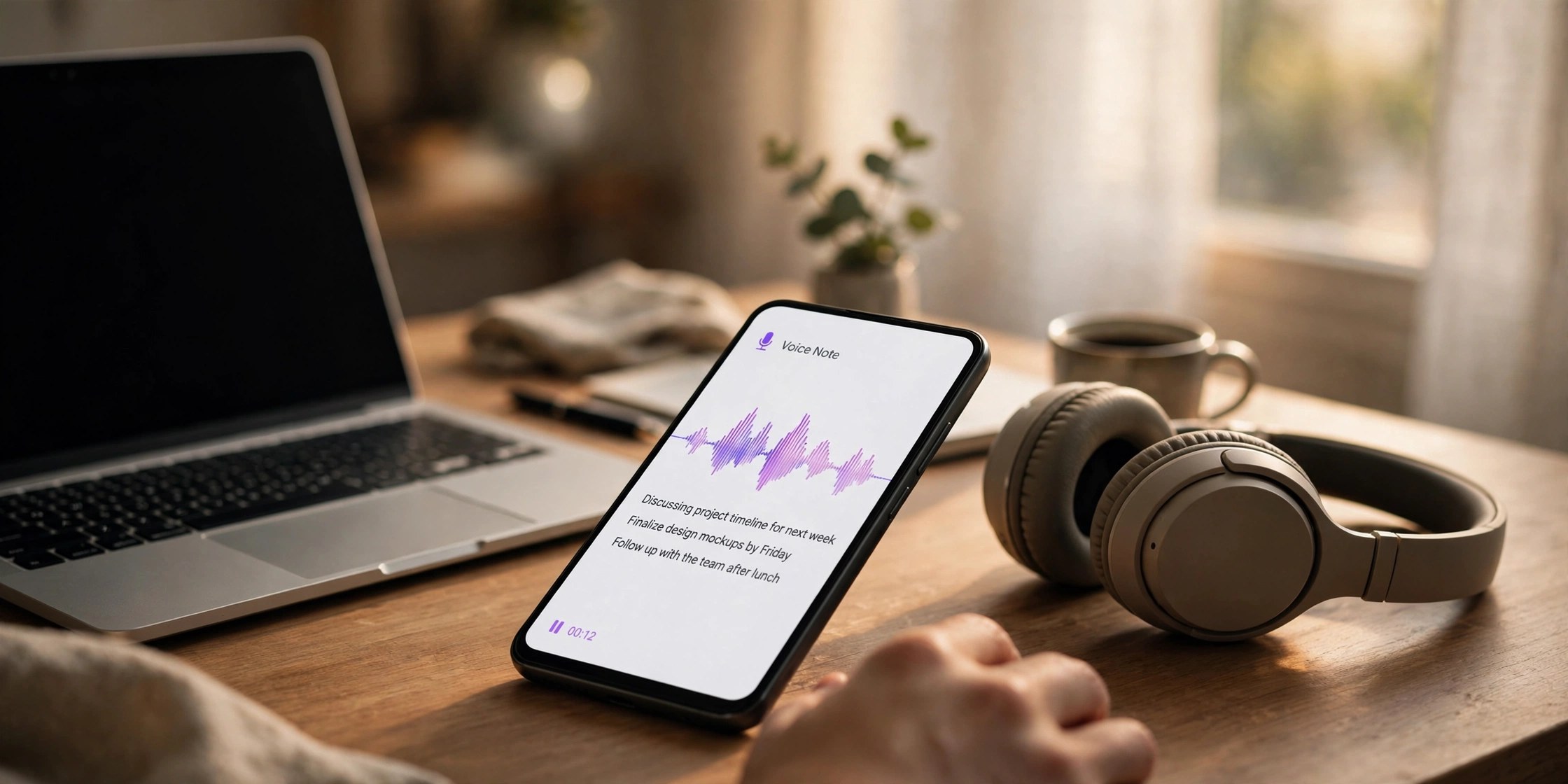
Android can turn a voice memo into text in four solid ways — but the best one depends on your phone. Pixel owners get it built in; everyone else needs one of three workarounds that are nearly as fast.
If you have read our guide to transcribing a voice memo on iPhone, you will notice the Android story is more fragmented. Google builds excellent transcription into its own phones, Samsung builds a different version into its recorders, and the rest of Android is served by apps. None of this is hard — you just need the method that matches the phone in your hand.
This article is the practical companion to our complete guide to voice notes and transcription: that guide covers how AI transcription works and how to organise what it produces. Here are the four Android methods, step by step, with their real limits.
Method 1: Google Recorder (Pixel phones)
On a Pixel, the built-in Recorder app is the easiest transcription tool on any platform. It transcribes as you record, works offline, and makes every word searchable afterwards.
- Open Recorder and tap the record button as normal.
- While recording, tap Transcript to watch the words appear live.
- Afterwards, open the recording, tap the three-dot menu, and choose to copy or share the transcript as a text file.
The catch is availability: Recorder is a Pixel exclusive and cannot be installed on other Android phones. Recordings can be backed up to your Google account and read on the web, which softens the blow if you ever switch away — but if you are on Samsung, Xiaomi or anything else, start with the methods below.
Method 2: Samsung Voice Recorder transcription (Galaxy phones)
Recent Galaxy phones ship with a transcription feature inside Samsung Voice Recorder, tied to Galaxy AI on supported models.
- Open Voice Recorder and select the memo you want in text.
- Tap Transcribe (on supported models) and choose the language if asked.
- Review the transcript in the app, then use the share menu to send it to your notes app or email.
Availability varies by model, region and language, and the feature typically works on recordings made in the app rather than files you import. It is a good no-install option for Galaxy owners — just check your specific model supports it before you rely on it for something important.
Method 3: Google Live Transcribe (any Android, live speech)
Live Transcribe, Google’s free accessibility app, turns speech into text in real time on almost any Android phone. It was built for accessibility, which means it is fast, clear and entirely free.
- Install Live Transcribe from the Play Store (some phones include it under Settings → Accessibility).
- Play your voice memo aloud on another device, or simply speak, with Live Transcribe listening.
- Copy the resulting text from the app into your notes.
The limitation is the workflow: it transcribes live audio, not files. Playing a memo out of a speaker into a microphone costs accuracy — background noise and speaker quality both eat words. For a quick capture of a short memo it is perfectly serviceable; for a long or important recording, use a file-based method instead.
Method 4: An AI transcription app like Aura (any Android, any file)
The method that works on every Android phone, with recordings from any source, is a dedicated AI transcription app. Aura Notes records in the app or imports audio you already have, then produces a transcript with a summary and the action items pulled out of what was said.
- Install Aura Notes and either record directly or import your existing memo from your files.
- Let the transcription run — a typical memo takes moments, not minutes.
- Read, search, edit and share the transcript, summary and to-dos from the note.
This is the route to choose when the memo matters: an interview, a lecture, a long idea you spoke at midnight. File-based AI transcription hears the original audio rather than a speaker playing into a room, and the summary layer is the difference between a wall of text and a note you will actually use. Our guide to organising voice notes covers what to do with transcripts once you have them.

Which method should you use?
You have a Pixel: Google Recorder, no contest — it is already on your phone and transcribes beautifully. You have a recent Galaxy: try Samsung’s built-in transcription first, and keep an AI app for imported files. Any other Android: Live Transcribe for quick, short, live captures; an AI app like Aura for files, long recordings, and anything you need to search, summarise or share.
Whichever route you take, one habit doubles the quality of every method: record cleanly. Phone within arm’s reach, notifications silenced, one speaker at a time. Transcription accuracy is mostly decided before anyone presses record.
Frequently asked questions
Can I transcribe a voice memo on Android for free?
Yes. Google Recorder on Pixel and Live Transcribe on any Android are free, and Samsung’s transcription is included on supported Galaxy models. AI transcription apps typically include a free allowance as well. Free routes cover most everyday memos; paid tiers mainly buy you longer recordings, more minutes and extras like summaries.
Why can’t I install Google Recorder on my Samsung phone?
Recorder is developed by Google exclusively for Pixel devices and is not offered for other Android phones in the Play Store. Sideloaded versions circulate online but tend to break and carry real security risk. The practical alternatives are Samsung’s own transcription, Live Transcribe, or a dedicated AI transcription app.
How accurate is Android voice memo transcription?
With a clear recording — one speaker, close to the phone, quiet room — modern AI transcription is accurate enough to read, search and quote with light editing. Accuracy drops with background noise, distance, overlapping speakers and strong regional accents, and names or technical terms are the first things to go wrong. Always proofread anything you plan to publish or send.
Can I transcribe a WhatsApp voice note on Android?
WhatsApp includes its own voice message transcription on supported versions — open the chat, and look for the transcribe option on the voice message. If it is unavailable or the result is poor, save or share the voice note into a transcription app like Aura and transcribe the file there instead.