
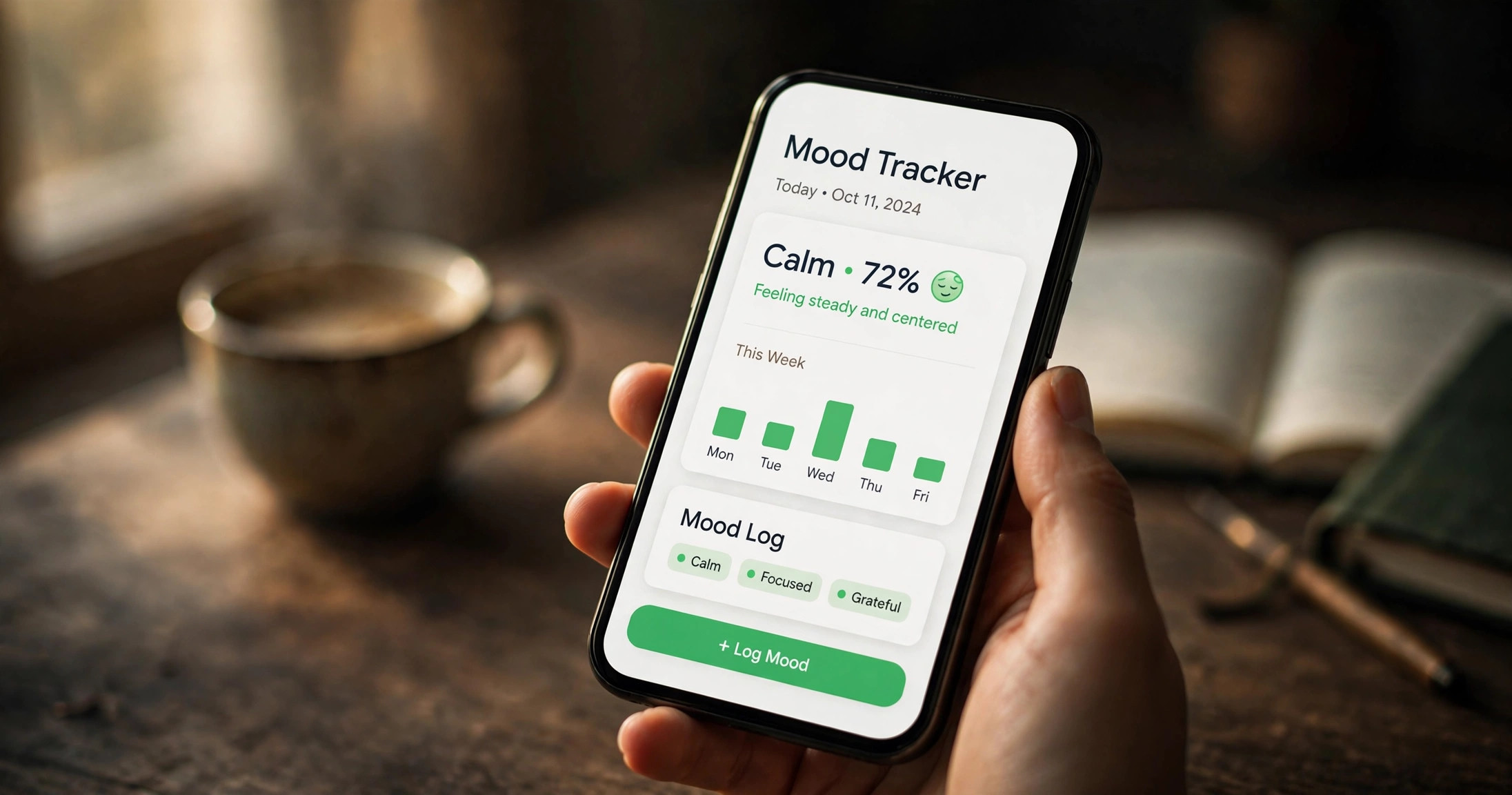
People leave Daylio for three reasons: the statistics you actually want are paywalled, getting your data out without paying is a hassle, and tapping an emoji five times a day never quite replaces writing down what happened. If any of those sound familiar, here are seven mood trackers worth switching to in 2026 — including the honest case for staying put.
Daylio is a genuinely good app. It has been around since 2015, it has tens of millions of users, and its core trick — log your mood in two taps, no blank page, no pressure — is still one of the best onboarding ideas in the entire wellness category. This is not a hit piece. But “good app” and “right app for you” are different things, and Daylio’s design has real limits that competitor apps have spent years addressing.
Go deeper
Mood Tracking: The Complete Guide →Below: a straight comparison of all seven, then an honest look at each one — what it does better than Daylio, and what Daylio still does better.
The short version: all 7 compared
| App | Free tier | Export | AI insight | Platforms | Price |
|---|---|---|---|---|---|
| Daylio | Usable, stats limited | PDF export is Premium-only | No | iOS, Android, Web | $4.99/mo or $35.99/yr (checked October 2026) |
| AI Mood Tracker | Full check-ins + journaling free | Yes | Yes | iOS, Android | Free; optional premium for deeper AI insights (checked October 2026) |
| Bearable | Generous — unlimited tracking, 30-day history | Yes, shareable with doctors | No (correlation stats, not AI) | iOS, Android | $6.99/mo or $34.99/yr (checked October 2026) |
| How We Feel | Completely free, no paywall at all | Yes | No | iOS, Android | Free (checked October 2026) |
| Moodfit | Basic features free | Yes | No | iOS, Android | ~$9.99/mo or ~$39.99/yr (checked October 2026) |
| Stoic | Core journaling free | Yes | No | iOS, Android | Premium tier available; pricing varies by region (checked October 2026) |
| eMoods | Free; all v1 features free forever | Monthly PDF for your doctor | No | iOS, Android | Free; patronage optional (checked October 2026) |
| Moodnotes | Free download | Yes | No | iOS, Android | Free download; premium subscription for full features (checked October 2026) |
Prices are in USD and change by region and promotion — treat these as directionally accurate, not quotes. Every figure above was checked in October 2026.
AI Mood Tracker — best if you want to journal, not just tap an emoji
Here’s the fundamental difference: Daylio is a mood tracker with a notes field bolted on. AI Mood Tracker is a journal that happens to track your mood. If you’ve ever tapped “okay” in Daylio and then felt the urge to actually write about why — and found the notes box too cramped for the job — that’s the gap this app fills.
The check-in itself takes about ten seconds: pick your mood, done. But alongside it sits a proper journal editor with prompts for when you’re stuck and blank space for when you’re not. Over time the app builds the views Daylio users love — a year mapped in colour, heatmaps of your patterns, statistics on what lifts you up and what drains you — except here the “why” comes from AI reading across your entries, not just from correlating the tags you tapped.
What it does better than Daylio:
- Real writing, not a notes field. A full journal editor with thoughtful prompts. If reflection is the point for you, this is the single biggest upgrade on this list.
- AI insights. Daylio shows you that exercise correlates with good moods. AI Mood Tracker goes further, connecting the dots across what you actually wrote — closer to a thoughtful friend noticing patterns than a spreadsheet.
- Free where it counts. Core tracking and journaling are free, with premium reserved for deeper AI features. Daylio gates its best statistics behind Premium.
What Daylio still does better:
- Speed. Nothing on this list logs a mood faster than Daylio’s two taps. AI Mood Tracker is quick, but Daylio is instant.
- Habit and goal tracking. Daylio’s goals, streaks, and activity icons are a mature system refined over a decade. If your tracking is really about habits with mood as a side metric, Daylio remains the better tool.
- Year in Pixels. Imitated everywhere, perfected in Daylio. The single most satisfying data visualisation in the category.
- Local-first privacy. Daylio stores everything on your device. Any app with AI features necessarily processes your words somewhere — worth knowing, and worth weighing.
The honest summary: if you chose Daylio for speed and stay for the stats, stay. If you chose Daylio hoping it would become a journaling habit and it never quite did, switch. One thing worth saying plainly: AI Mood Tracker’s AI features mean your words are processed to generate insights, while Daylio keeps everything on your device. If on-device privacy is your top priority, that alone is a reason to stay with Daylio or pick eMoods — no judgement, it’s a legitimate trade-off and you should make it with your eyes open. See AI Mood Tracker →
Bearable — best for chronic illness and symptom correlation
Bearable is what you get when someone builds a mood tracker for people managing real health conditions instead of general wellness. You can log moods, but also symptoms, medications, sleep, energy, food, and custom factors — then the app shows you how they all connect. “My migraines spike two days after poor sleep” is the kind of insight Bearable produces routinely.
The free tier is genuinely generous: unlimited custom symptoms and moods, weekly reports, and a customisable graph. The catch is that free history only goes back 30 days — short for conditions whose patterns emerge over months — and the deeper correlation reports need Premium at $6.99/month or $34.99/year (checked October 2026). It exports cleanly and is designed to be shared with doctors, which is rare and valuable.
Compared with Daylio: Bearable is deeper, more clinical, and more work. Daylio takes thirty seconds; Bearable rewards five minutes. If you’re tracking a condition, that trade is worth it. If you just want to know whether you’re trending up or down, Daylio’s simplicity wins. Bearable also connects with Apple Health and Google Fit, which Daylio doesn’t meaningfully do. One more practical note: Bearable’s setup asks you to choose what to track, and the temptation is to enable everything. Don’t. Start with mood, sleep, and one symptom. You can always add more once the habit sticks — most people who quit Bearable quit because day one felt like filling in a medical intake form.
How We Feel — best completely free option, no paywall
This one is unusual enough to deserve attention. How We Feel was co-created by Marc Brackett, director of the Yale Center for Emotional Intelligence, and Ben Silbermann, co-founder of Pinterest. It is funded by donations, completely free, and has no premium tier at all — nothing to upsell you, ever.
Its signature is the Mood Meter: 144 emotion words arranged on a grid of pleasantness and energy. Instead of picking from five faces, you learn to distinguish “drained” from “burned out” from “apathetic” — and that precision is the point. The app then suggests research-backed regulation strategies for what you’re feeling, which makes it more of a teacher than a tracker.
Compared with Daylio: How We Feel is worse at fast logging and long-term statistics, and better at actually improving your emotional vocabulary. It’s the only app on this list where the business model itself is a feature — no paywall means no dark patterns, no “unlock your insights” prompts. If money is tight or you’re philosophically done with subscriptions, start here. It costs nothing to try, because it costs nothing, period.
Moodfit, Stoic, eMoods, Moodnotes — the rest, briefly
Moodfit is the Swiss Army knife: mood tracking plus a gratitude journal, breathing exercises, CBT thought records, and validated assessments (PHQ-9 for depression, GAD-7 for anxiety) you can retake over time. Premium runs about $9.99/month or $39.99/year (checked October 2026). It’s the pick if you want one app that does a bit of everything — but “a bit of everything” means a busier interface than Daylio, and the free tier is fairly limited.
Stoic builds journaling around guided prompts drawn from CBT and Stoic philosophy, so you never face a blank page. Morning preparation, evening reflection, breathing exercises — it’s structured where Daylio is freeform. Core journaling is free with a premium tier on top. Pick it if prompts are what get you writing; skip it if you find structured routines suffocating.
eMoods is the specialist: built specifically for bipolar I/II, depression, and anxiety tracking. It charts daily highs and lows, sleep, and medications, then emails a monthly PDF report to your doctor. Everything is stored on your device — no cloud, no account, genuinely private. It’s free with optional patronage, and it has looked roughly the same since 2010. That’s a feature, not a bug, for its audience: people managing a condition need reliability, not redesigns. One limitation to know: it logs daily extremes rather than multiple entries per day.
Moodnotes, from the clinical psychologists behind MoodKit, is a thought journal built on CBT principles — it helps you spot “thinking traps” in your entries and reframe them. It has real clinical pedigree and was recommended by therapists for years. The interface feels dated next to the others on this list, and the premium subscription is pricey relative to what you get. Still worth knowing about if the CBT angle appeals to you more than mood-charting does.
How to export your Daylio data and move it
This is the practical part nobody writes down clearly, so here it is.
What you can take with you: Daylio lets you back up your entries to Google Drive or iCloud from the free tier — that’s your safety net, and you should turn it on before doing anything else. A nicely formatted PDF export of your records, however, requires Premium.
The honest truth about “importing”: none of the apps on this list offer a one-click Daylio importer. Mood tracking apps don’t share a data format the way, say, password managers do. What you can do is export your history as a file and keep it as an archive, then start fresh in the new app. Your streaks and Year in Pixels won’t transfer — that’s the real switching cost, and it’s psychological more than technical.
The pragmatic approach:
- Turn on Daylio’s cloud backup (free) so nothing is lost.
- If you want the pretty PDF, do one month of Premium ($4.99), export everything, then cancel. That’s the cheapest way to own your history.
- Run the new app alongside Daylio for two weeks. Log in both. You’ll know by day ten which one you’re actually opening.
- Then delete one of them. Two tracking apps is how you end up tracking in zero.
Which one should you actually pick?
Forget feature matrices for a moment. Answer one question:
- “I want to understand my moods AND write about them” → AI Mood Tracker. It’s the only one here where journaling is a first-class citizen rather than a side field, and the AI insights give you the “so what” that raw charts don’t.
- “I’m managing a health condition” → Bearable for the full picture (symptoms, meds, correlations) or eMoods if it’s specifically bipolar/depression and you want something dead simple and private.
- “I refuse to pay for a mood tracker” → How We Feel. Free forever, no asterisks, built by actual emotion researchers.
- “I want tools, not just tracking” → Moodfit (CBT exercises, breathing, assessments) or Stoic (guided prompts, routines).
- “I like Daylio, I just hate the paywall” → honestly, do the maths first. $35.99/year is $3/month. If you open the app daily, that’s the cheapest habit you own. The alternatives are better apps for different needs, not cheaper Daylios.
- “I want to think more clearly, CBT-style” → Moodnotes, accepting the dated interface.
And the one-sentence version: most people reading this want AI Mood Tracker (journaling + insight) or How We Feel (free + educational). Everything else is for specific situations, which is exactly as it should be.
Frequently asked questions
Is Daylio still worth paying for?
For the right person, yes. If you log daily, $35.99/year works out to about ten cents a day, and the advanced statistics, unlimited goals, and PDF export are genuinely useful. Daylio’s Premium is worth it if speed-logging plus stats is your whole workflow. It’s not worth it if what you actually want is to write — no premium tier adds a real journal, because that’s not what the app is.
Can I import Daylio data into another app?
Not directly — no mood tracker on this list offers a one-click Daylio importer. Back up to Google Drive or iCloud (free), optionally export a PDF via one month of Premium ($4.99), keep the archive, and start fresh. Your historical charts won’t transfer, but your future data will be in the app that fits you better.
What’s the best free Daylio alternative?
How We Feel — completely free with no premium tier at all, built by Yale emotion researchers. If you want free plus journaling, AI Mood Tracker’s core tracking and journaling are free too. Bearable’s free tier is the most generous among the paid apps, though history is limited to 30 days without Premium.
Does Daylio have an AI feature?
No. Daylio’s insights come from traditional statistics — correlations between your moods and the activities you tag. It doesn’t analyse written entries or generate personalised observations. If AI-powered insight from your actual journal writing is what you’re after, that’s currently AI Mood Tracker’s territory, not Daylio’s.